Controls
Set FOV, smoothness, and bone priority before you raid.
- Soft aim strength
- Bone priority
- Hotkeys mid-match
Play styles
Keep settings subtle for longer sessions. Raise strength only when you accept more risk.
- Legit soft aim
- Per-weapon profiles
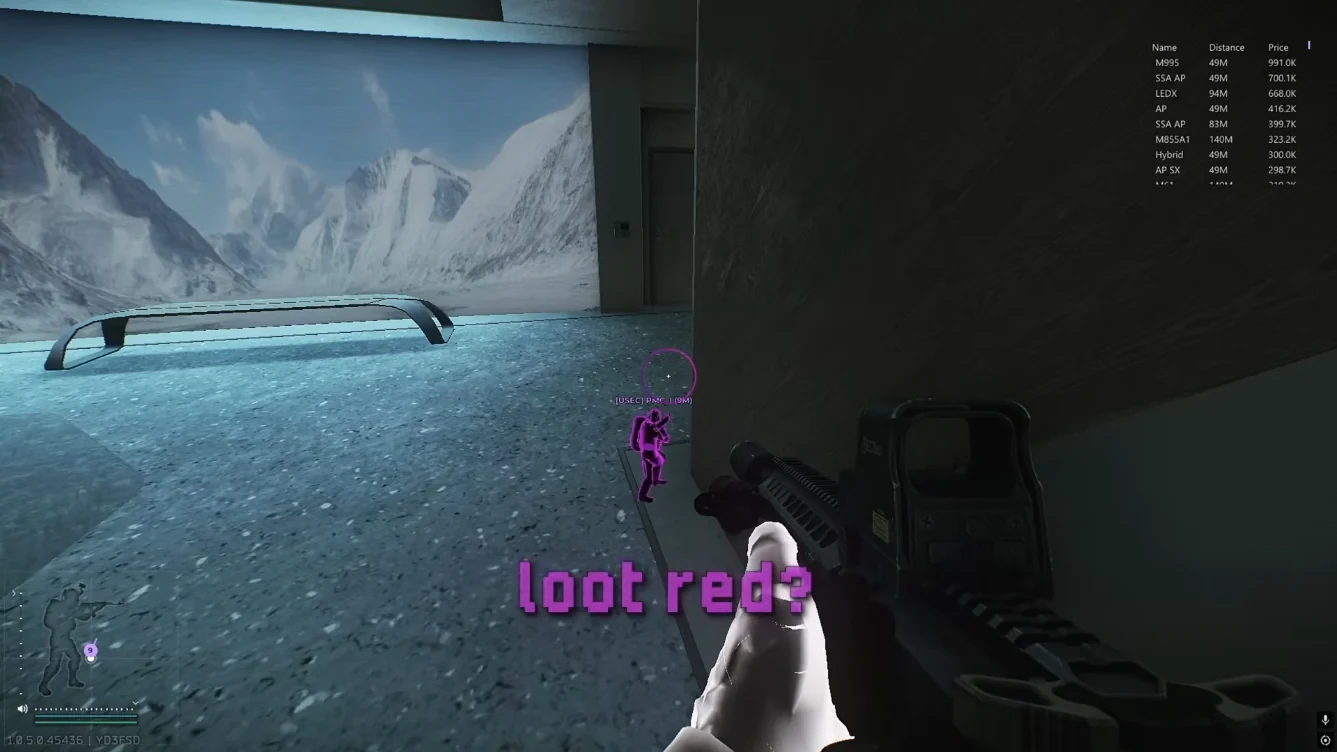
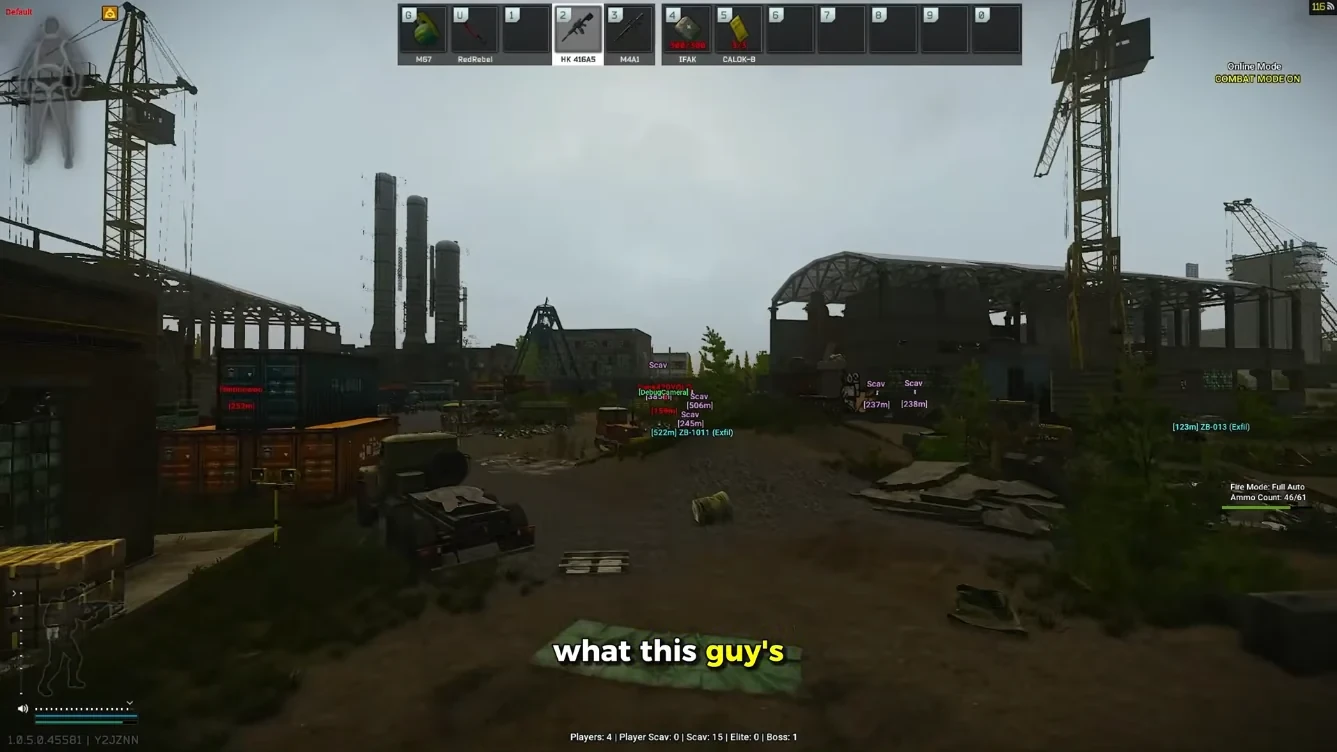
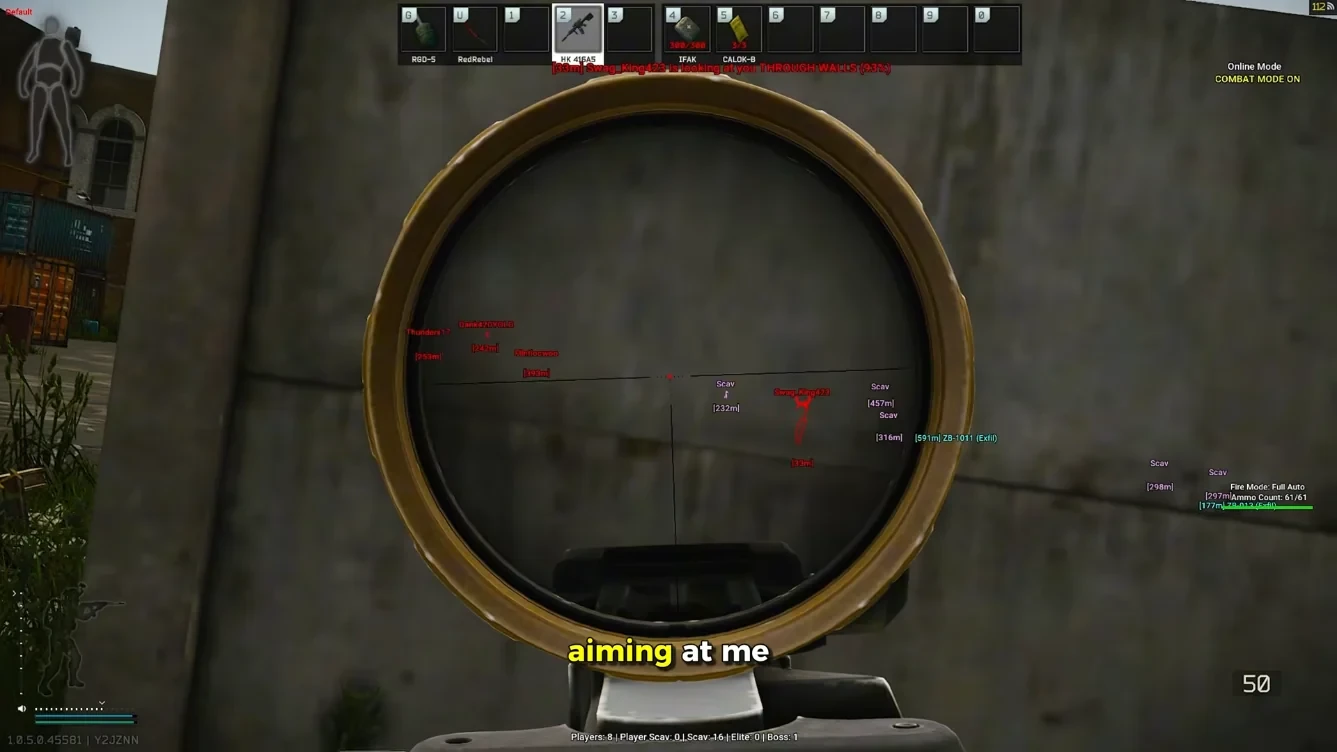
- Works with ESP
Next steps
Aimbot ships with ESP and radar in one license.
Aimbot tuned for Tarkov combat pace
Tarkov mixes long-range AR fights with close-quarters SMG pushes. Tarkov Cheats Aimbot includes smoothness, FOV, and sensitivity controls tuned for that pace — with hotkey toggles mid-match.
Bone priority and target selection options cover closest player, lowest health, or highest-threat targets during squad fights and close-range scav fights.
Weapon balance and season rules change via Escape from Tarkov. Revisit Aimbot FOV and smoothness after major combat patches so assist still matches the live TTK windows.
Per-weapon Aimbot profiles
Save separate Aimbot profiles for ARs, SMGs, and bolt-actions. Switch between long-range DMR fights and dorms clears without reopening menus every raid.
Prefer softer tracking? Read the soft aim guide.
Aimbot ships alongside ESP wallhack and 2D radar in the same Tarkov Cheats license.
- Smoothness, FOV, and sensitivity sliders
- Bone priority and threat-based targeting
- Hotkeys to toggle Aimbot mid-match
- Per-weapon profile slots for AR / SMG / bolt-action
BattlEye maintenance for undetected Aimbot
Tarkov Cheats rebuilds Aimbot behavior when BattlEye anti-cheat or major Tarkov patches land. Maintenance notes appear on the Updates page so you know when a new build is live.
Cross-check service health on Escape from Tarkov Support and anti-cheat context on BattlEye Anti-Cheat, then follow our BattlEye maintenance guide before queueing on patch day.
Responsible settings matter — undetected status requires ongoing maintenance, not set-and-forget configs. Start with conservative smoothness, then tune.
Buy Aimbot with ESP — pricing and setup
Every plan includes Aimbot plus ESP and radar. Compare options on Pricing, then activate with the Setup guide.
Questions about delivery or profiles? Use FAQ or email Support with your order ID.
Want the full control list first? Open Features before checkout.
Soft aim tuning
Start with a modest FOV circle and smoothness that matches your main weapon — bolt actions need tighter FOV than SMGs in CQB. Bone priority should favor visible chest or head bones when visibility checks are enabled.
Per-weapon profiles help when you swap from raid loadout to SVD snipes mid-wipe. Save configs after you find stable values so you do not rebuild settings every login.
- FOV and smoothness sliders
- Visibility-only targeting
- Bone priority list
- Hotkeys for toggle mid-raid
When to use assist
Soft aim is for consistent raids, not obvious rage clips. Raise strength only when you accept more risk and keep streams or recordings in mind if you showcase gameplay publicly.
Combine with ESP so you never assist through smoke you cannot parse or targets behind multiple walls unless your package explicitly supports that visibility model.
- ESP pairing guide
- Radar for flanks
- Status after patches
- Support for config help
License and delivery
Monthly and lifetime plans include the same aimbot suite — billing term only changes renewal. Digital delivery lands by email after checkout review; follow Setup for loader activation on Windows 10 or 11.
If assist stops after a Tarkov patch, read Updates before opening a ticket. Many reports are fixed by a published rebuild rather than a reinstall.
- Pricing comparison
- Setup walkthrough
- FAQ on delivery
- Refund policy