Start with status, not screenshots
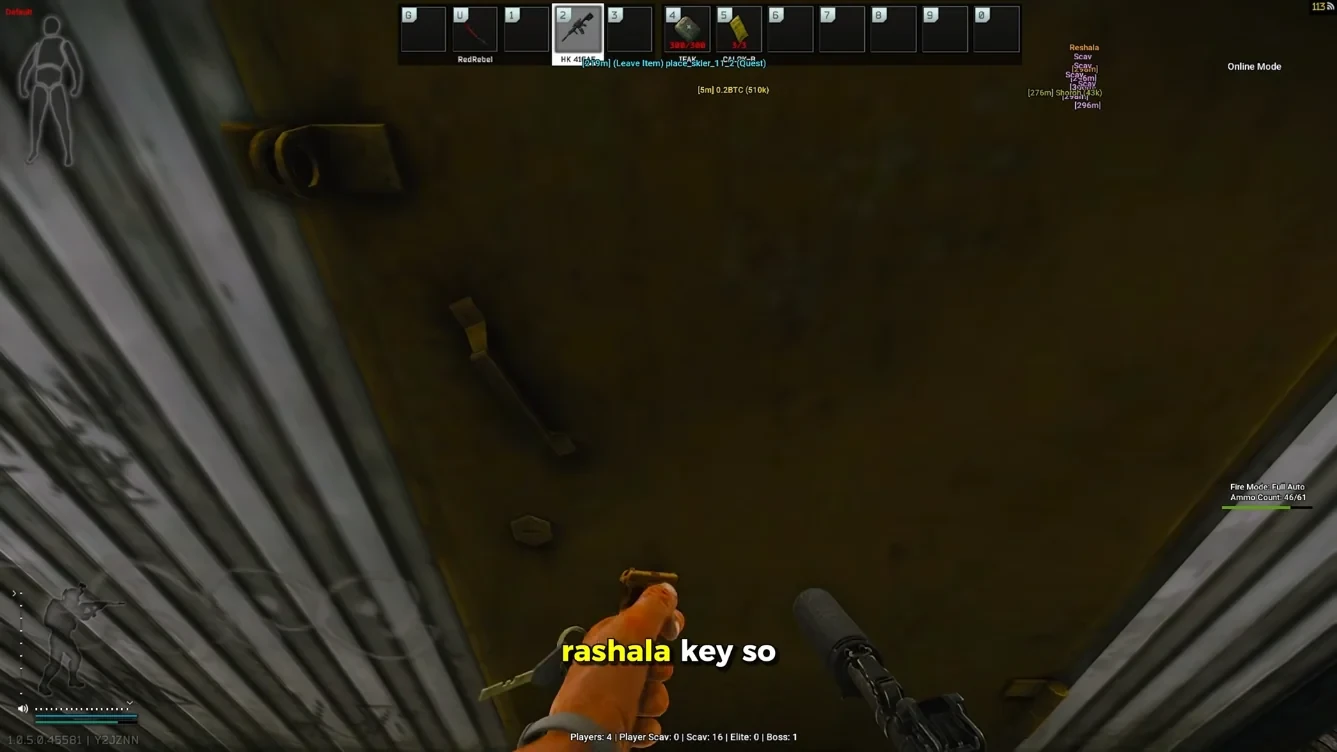
Ask whether the seller publishes a dated status page after BattlEye or client patches. Fancy galleries do not help if the tool is offline for three days. Tarkov Cheats posts rebuild notes on Updates for that reason.
If a shop only answers in private Discord and never writes public notes, assume you will miss patch windows.
Feature checklist that matches real Tarkov raids
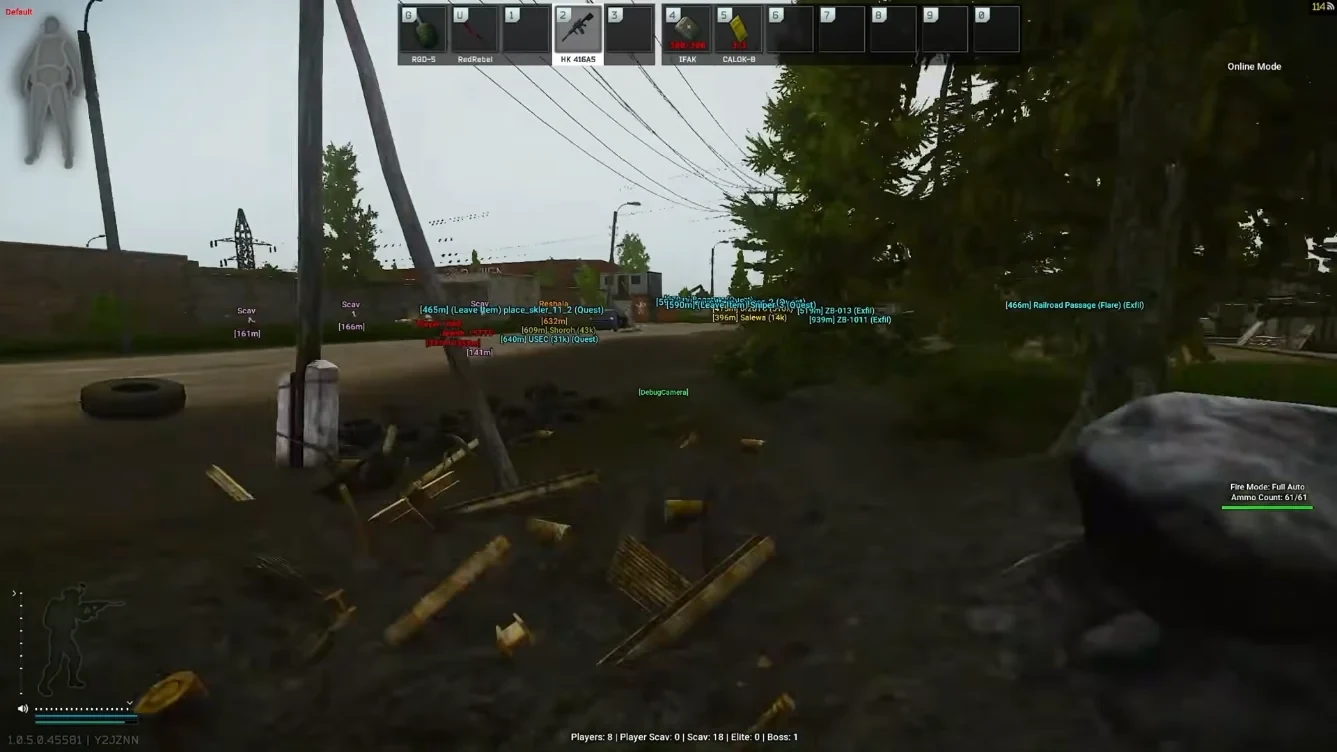
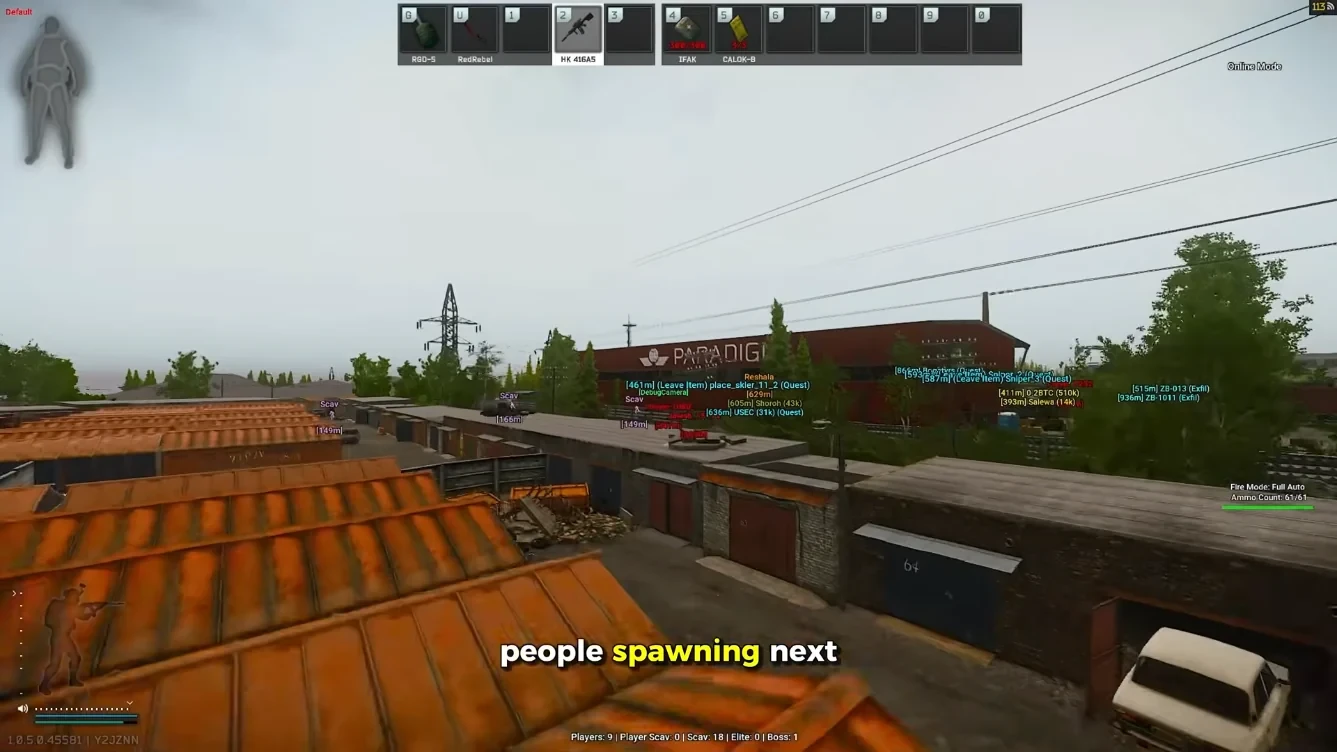
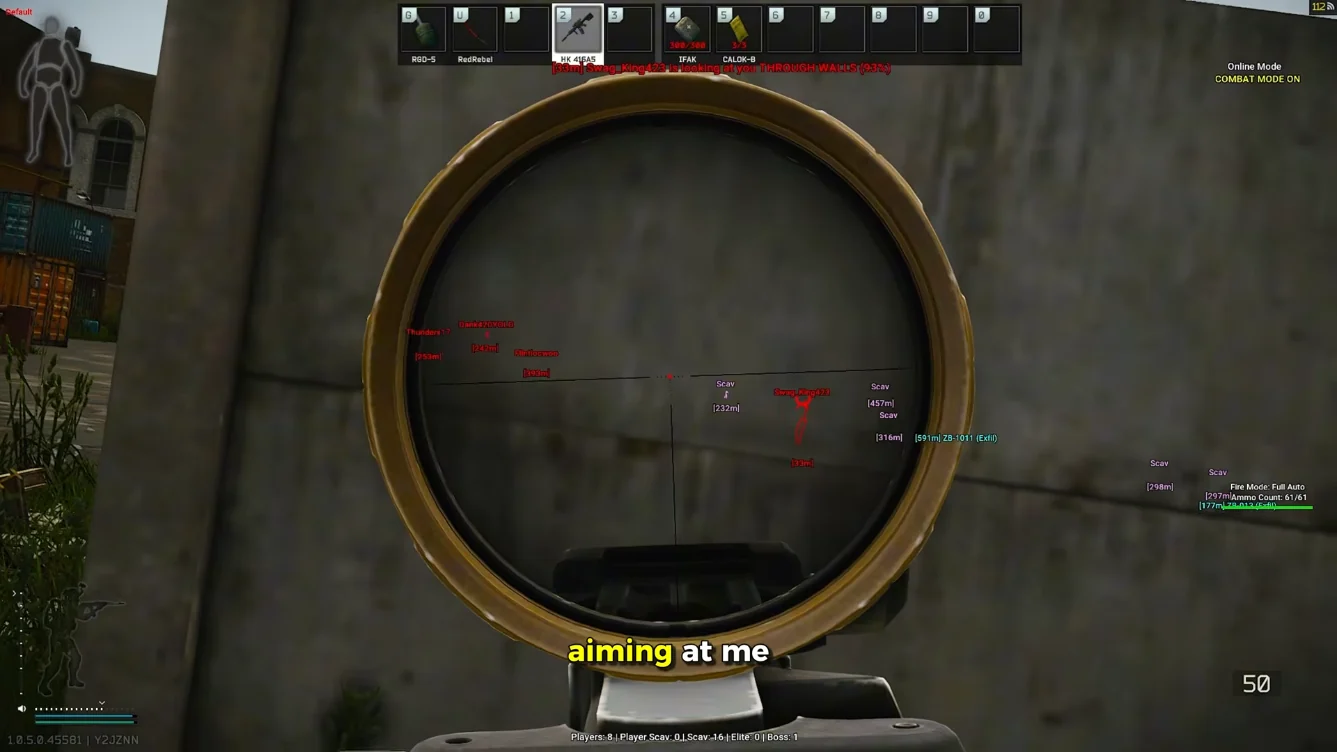
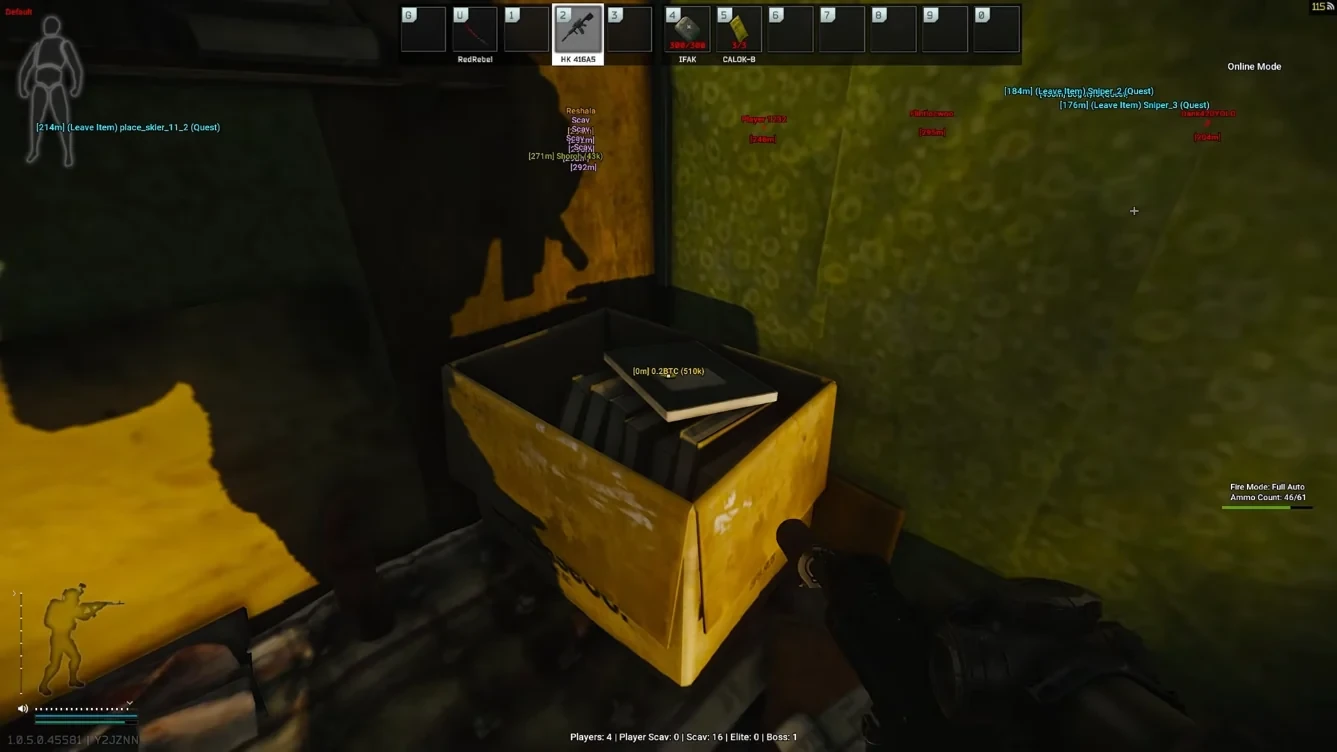
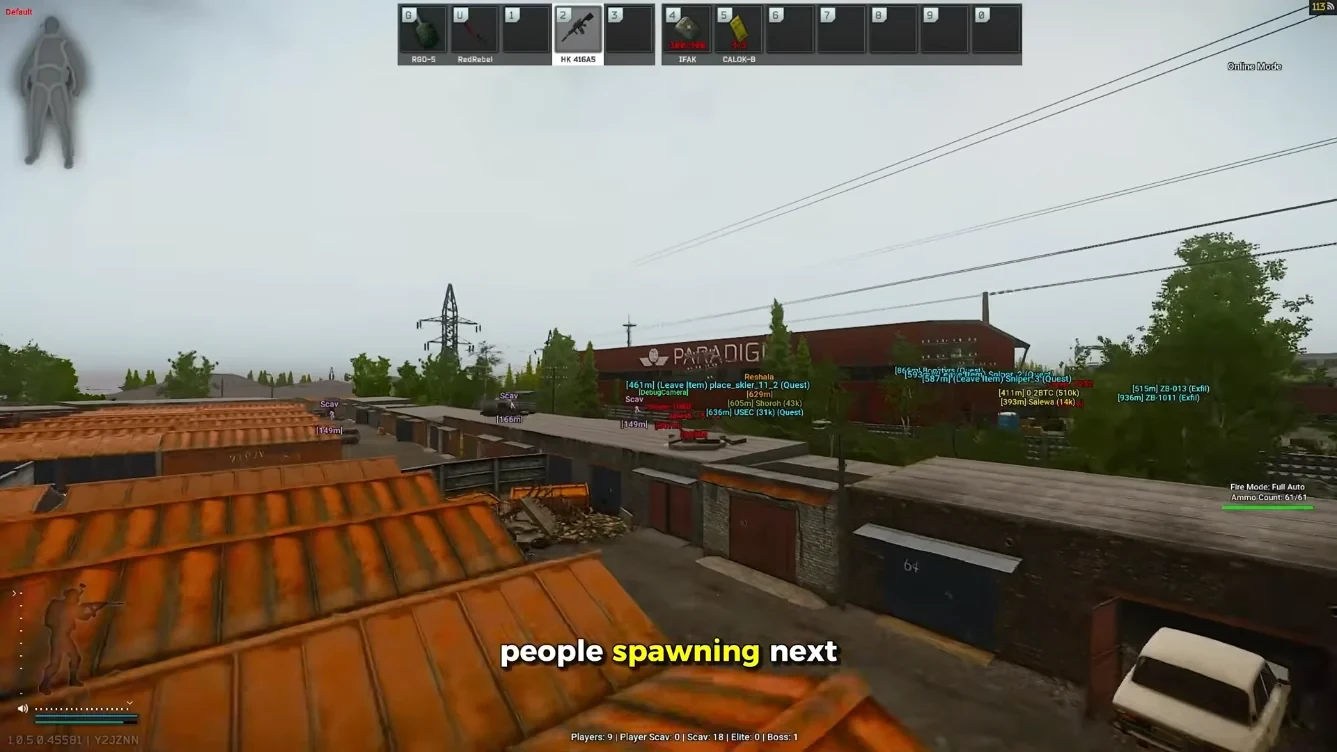
For Escape from Tarkov, useful features usually mean player ESP with distance, loot filters, extract awareness, radar for flanks, and soft aim you can tone down. “Unlock all” marketing and battle-royale leftovers are red flags that the page was cloned from another game.
Compare the stack on Features, ESP, and Aimbot. If radar matters to how you hold extracts, confirm it exists before checkout.
Price, delivery, and support questions worth asking
Know whether you are paying monthly or lifetime, how the license arrives, and how fast support replies with an order ID. Read the refund policy before you pay — digital tools often have narrow windows.
Our plans live on Pricing. Setup steps are on Setup. If something fails after a patch, Support needs your order details, Windows version, and what you already tried.
Where to go next — Tarkov cheat guides
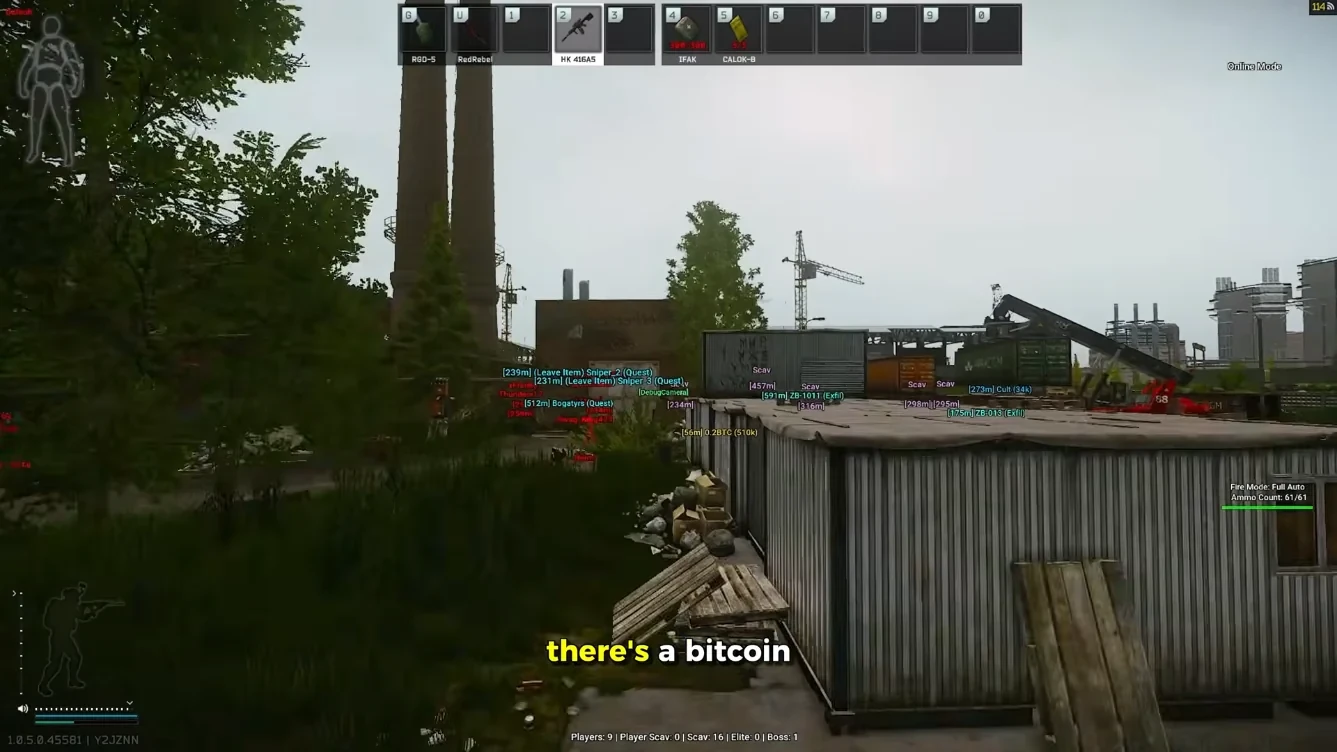
If this guide changed how you raid, compare the full module list on our Features page before you buy. ESP wallhack, 2D radar, and soft aim ship in one Windows PC license — monthly and lifetime plans include the same stack.
After checkout, follow the Setup walkthrough for loader activation. Check Updates after Escape from Tarkov or BattlEye patches so you know when rebuilds land. FAQ covers delivery timing and undetected policy in plain language.
For live patch notes, read our BattlEye guide — escape-from-tarkov-cheats-buyers-guide and the public undetected status page. Buyer feedback lives on Reviews — use it alongside this article, not instead of reading Status on patch mornings.